
Workflows
Build durable multi-step processes in your Next.js app with Ploy workflows.
Workflows
Build long-running, multi-step processes that survive failures with automatic retries and state persistence.
Configuration
Add a workflow binding in your ploy.yaml:
kind: dynamic
build: pnpm build
out: dist
workflow:
  DATA_FLOW: data_processing
The key (DATA_FLOW) is the binding name. The value (data_processing) must match the workflow function name in your code.
You can use the expanded form to configure retries per workflow:
workflow:
  DATA_FLOW:
    name: data_processing
    retries: 5 # Retry failed steps up to 5 times (default: 3)
Generate types:
pnpm ploy typesTriggering Workflows
Trigger workflows from API routes or Server Actions:
import { NextResponse } from "next/server";
import { getPloyContext } from "@meetploy/nextjs";

export async function POST(request: Request) {
	const { env } = getPloyContext();
	const body = await request.json();

	const { executionId } = await env.DATA_FLOW.trigger({
		action: body.action,
		value: body.value,
	});

	return NextResponse.json({ success: true, executionId });
}
Get Execution Status
export async function GET(request: Request) {
	const { env } = getPloyContext();
	const url = new URL(request.url);
	const executionId = url.searchParams.get("executionId");

	const execution = await env.DATA_FLOW.getExecution(executionId);

	return NextResponse.json({
		id: execution.id,
		status: execution.status, // "running" | "completed" | "failed"
		output: execution.output,
	});
}
Cancel Execution
await env.DATA_FLOW.cancel(executionId);Workflow Definition
Define workflows in your ploy.ts file:
interface WorkflowInput {
	action: string;
	value: number;
}

interface WorkflowOutput {
	action: string;
	originalValue: number;
	processedValue: number;
}

export default {
	workflows: {
		data_processing: {
			handler: async ({
				input,
				env,
				step,
			}: WorkflowContext<PloyEnv, WorkflowInput>): Promise<WorkflowOutput> => {
				// Step 1: Validate input
				const validation = await step.run("validate", async () => {
					if (!input.action) {
						throw new Error("Missing action");
					}
					return { valid: true, action: input.action };
				});

				// Step 2: Process the value
				const processed = await step.run("process", async () => {
					let result: number;
					switch (input.action) {
						case "double":
							result = input.value * 2;
							break;
						case "square":
							result = input.value * input.value;
							break;
						default:
							result = input.value;
					}
					return { processedValue: result };
				});

				// Step 3: Store result
				await step.run("store", async () => {
					await env.DB.prepare(
						"INSERT INTO results (action, input, output) VALUES (?, ?, ?)",
					)
						.bind(input.action, input.value, processed.processedValue)
						.run();
				});

				return {
					action: input.action,
					originalValue: input.value,
					processedValue: processed.processedValue,
				};
			},
		},
	},
} satisfies Ploy;
Inputs and Outputs
There are two levels of persisted workflow data:
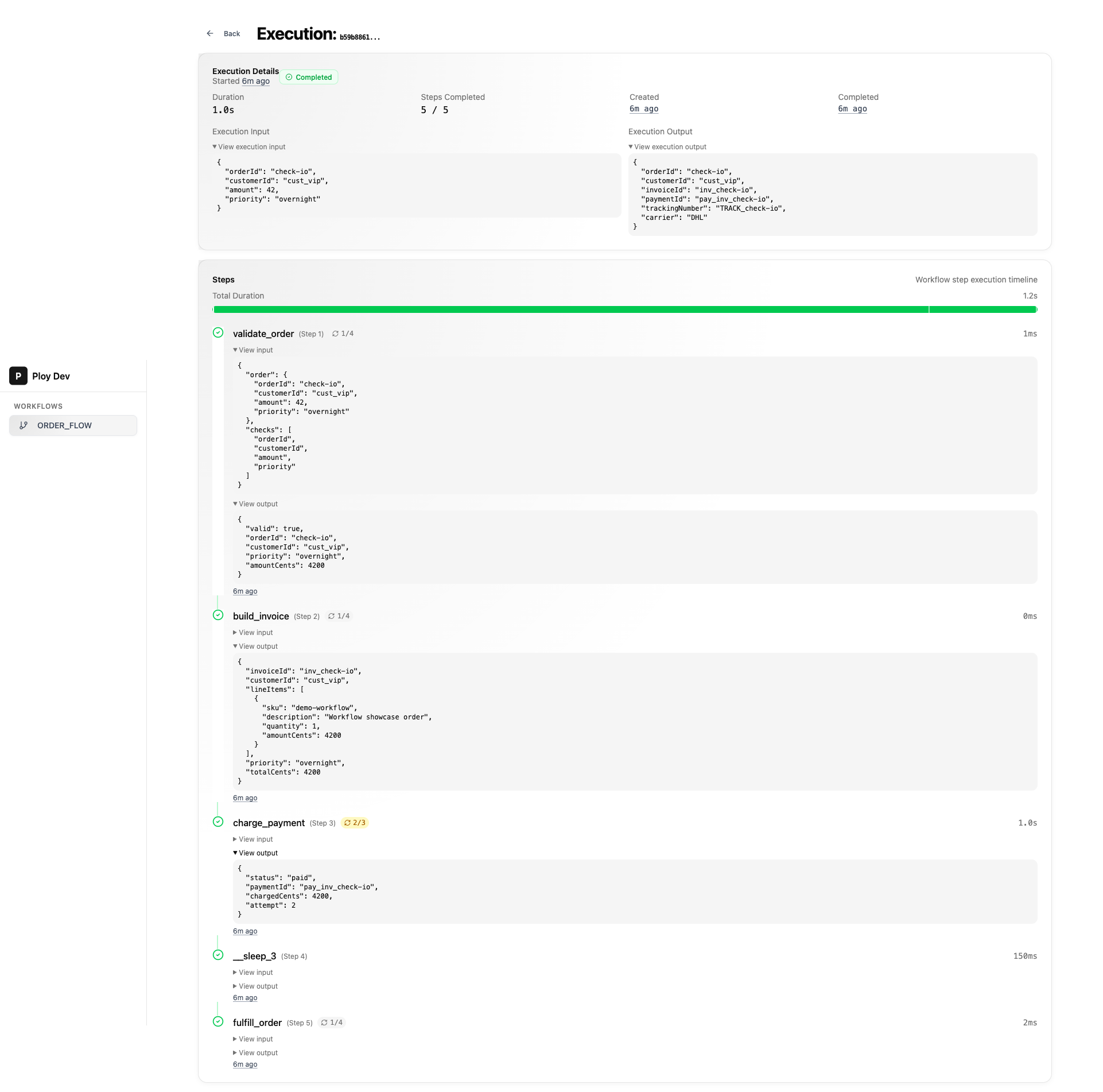
- Execution input: the payload passed to
env.DATA_FLOW.trigger(...) - Execution output: the final value returned by the workflow handler
For deeper debugging, each step can also persist its own snapshots:
- Step input: optional metadata passed with
step.run(..., { input }) - Step output: the value returned from the step callback
const processed = await step.run(
	"process",
	async () => {
		return { processedValue: input.value * 2 };
	},
	{
		input: {
			action: input.action,
			value: input.value,
		},
	},
);
This is especially useful when a workflow transforms data between steps and you want the dashboard to show what each step actually received.
Step API
step.run
Execute a named step. Results are persisted, so re-runs skip completed steps:
const result = await step.run("step-name", async () => {
	return { data: "value" };
});
step.sleep
Pause execution for a duration (in milliseconds):
await step.sleep(5000); // Wait 5 secondsSteps that throw are automatically retried up to 3 times by default
(configurable in ploy.yaml or per-step via options). Use unique step names
to ensure idempotency.
Error Handling
Each workflow definition supports an optional onError callback that runs when the handler throws. Use it for cleanup, alerting, or releasing locks:
workflows: {
	data_processing: {
		handler: async ({ input, env, step }) => {
			// ... workflow steps
		},
		onError: async (error, { env }) => {
			console.error("Workflow failed:", error.message);
			// Release locks, send alerts, clean up resources
		},
	},
},
The onError hook runs before the workflow is marked as failed. If onError itself throws, the error is ignored and the workflow still fails normally.
Local Development
During development, the local Ploy dashboard at http://localhost:4000 lets you:
- View workflow executions
- Inspect step results
- Monitor execution status
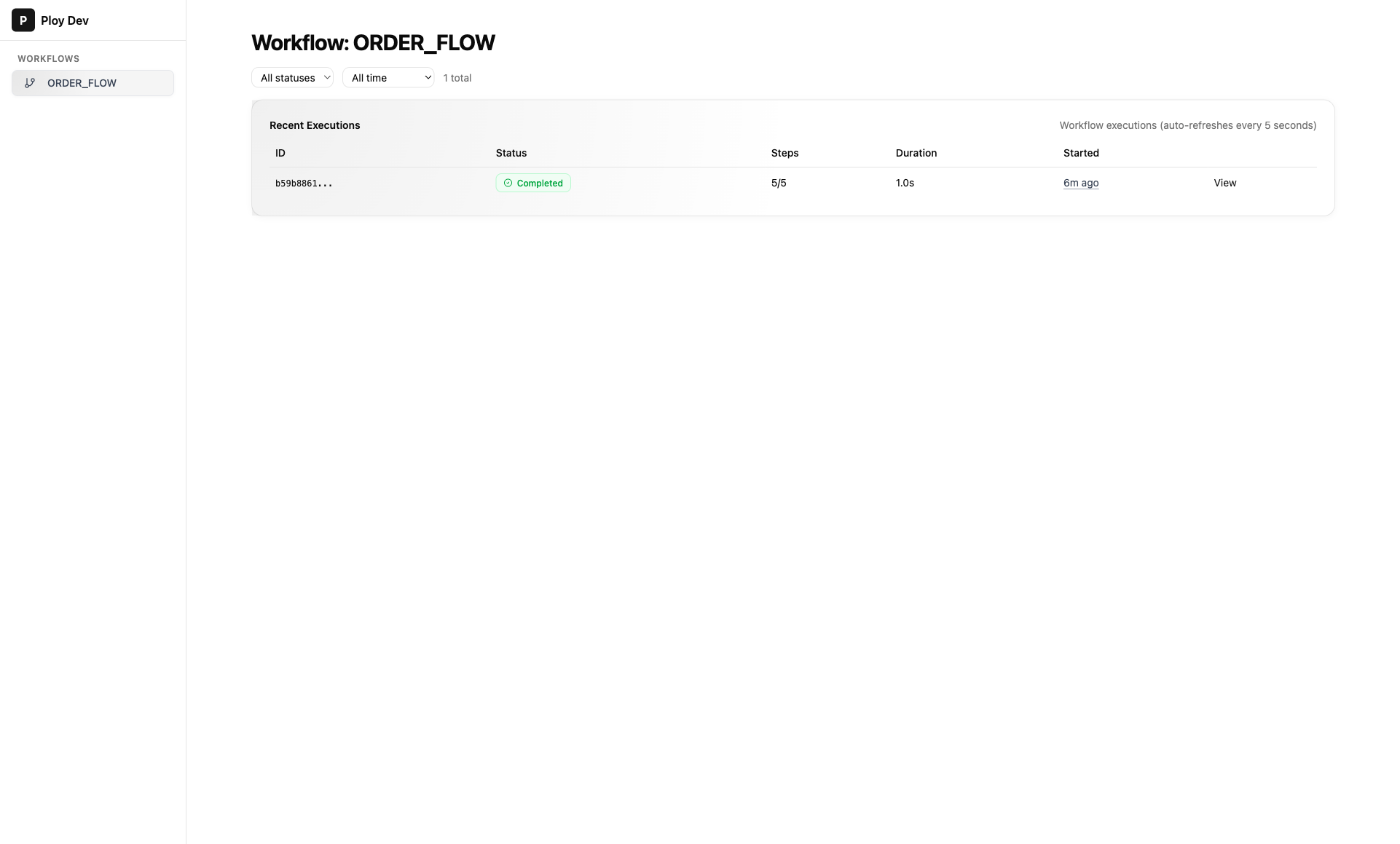
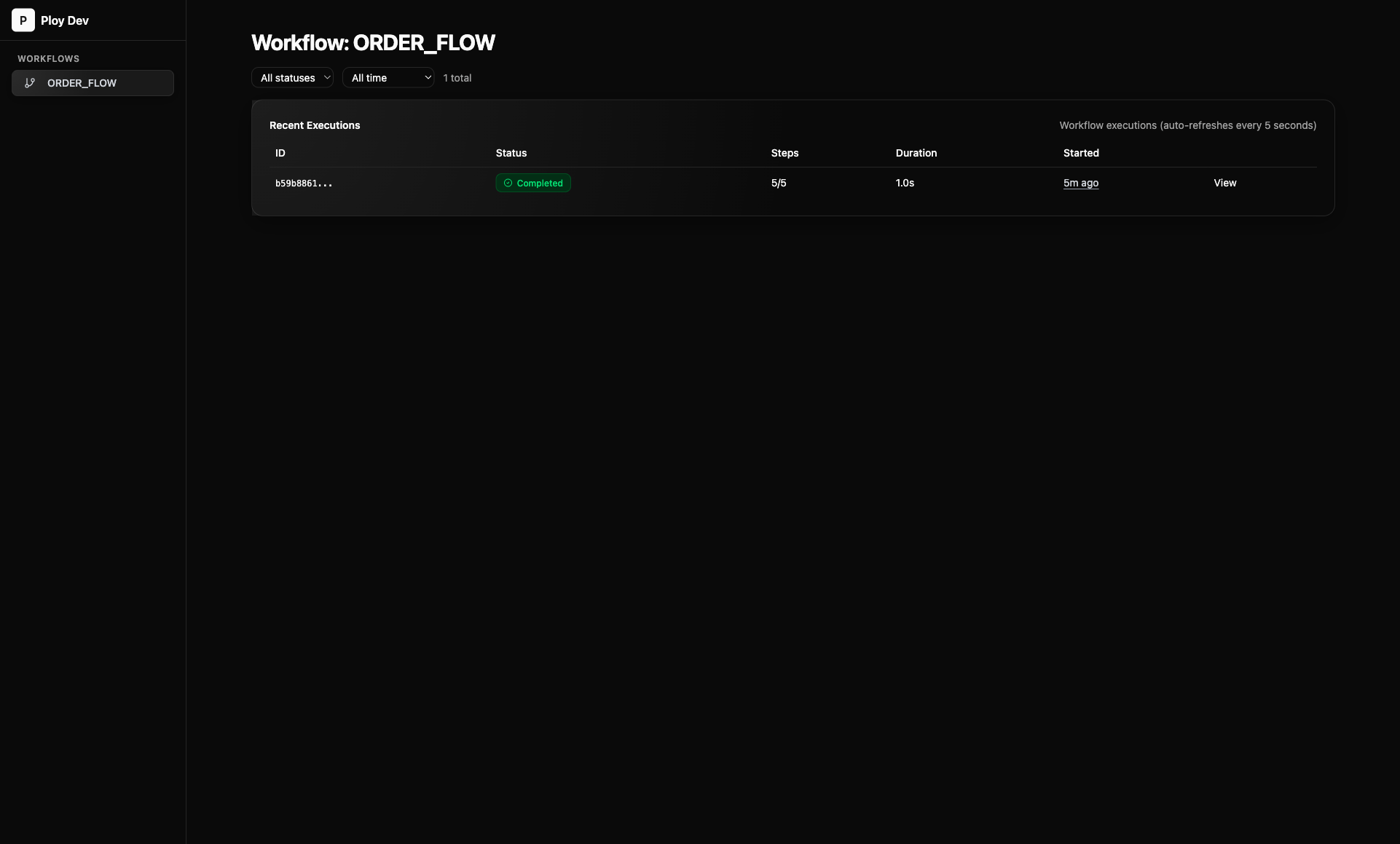
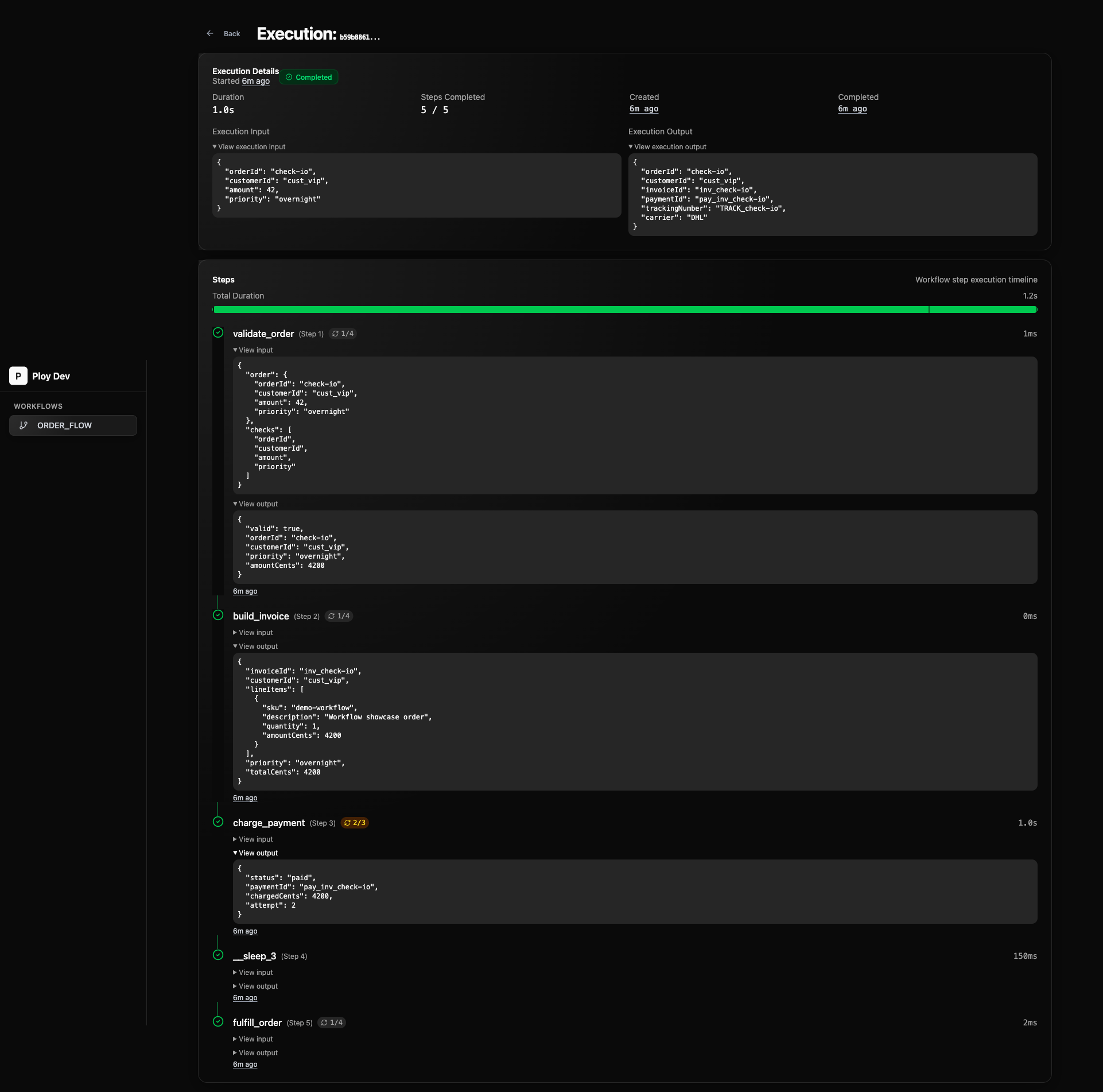
Open an execution to inspect execution input/output, step-level input/output, retry attempts, and timing details.
Next Steps
How is this guide?
Last updated on