
Web Analytics
Cookieless pageview, visitor and session estimates for your sites
Web Analytics
Web analytics counts pageviews from real browsers with a lightweight script served from your own domain. It is optional and off by default for every project. It sets no cookies, uses no browser storage and keeps no persistent identifier.
The project Analytics page has two tabs:
| Tab | What it counts |
|---|---|
| Traffic | Every request your deployments serve, including assets, APIs, bots and crawlers. Always on. |
| Web analytics | Pageview beacons sent by browsers that ran the tracking script. Only while web analytics is enabled. |
Enabling web analytics
Open your project's Analytics page, choose Web analytics and click Enable web analytics. Only organization owners and admins can enable, change or disable it. Changes reach your sites within about a minute.
While enabled, Ploy adds one deferred script tag to successful (200) HTML document responses from both static sites and workers:
<script defer src="/_ploy/insights/script.js" data-ploy-site="wa_…"></script>The tag goes before </head>, or before <body> when the page has no head end tag. Ploy does not add it to other content types, HEAD requests, error responses, fetch() requests for HTML fragments, downloads, responses marked Cache-Control: no-transform, pages that already contain a tag for the script in their head, pages whose head has an inline script wrapped in an HTML comment (<!--), or pages in a character encoding other than UTF-8, ASCII, ISO-8859-1/15 or Windows-1252. Use the manual snippet for those pages.
Turn off Add the script to HTML pages automatically to add the tag yourself.
Content Security Policy
Ploy never changes your Content-Security-Policy. The page is left untouched when its policy (a header or a <meta http-equiv> tag) would block a script or a fetch() to your own origin, for example a policy that uses 'strict-dynamic', only nonces or hashes, or a connect-src without your origin.
For those pages, copy the Manual snippet from the web analytics settings into your HTML and add your own nonce if your policy uses one:
<script
	defer
	nonce="your-nonce"
	src="/_ploy/insights/script.js"
	data-ploy-site="wa_…"
></script>
The script loads from /_ploy/insights/script.js and sends beacons to /_ploy/insights/event on your own origin, so your policy must allow your origin in script-src (or a nonce on the tag) and in connect-src.
What is measured
| Metric | Definition |
|---|---|
| Estimated visitors | Distinct daily visitor hashes with at least one pageview in the selected period. Not verified people. |
| Pageviews | Browser pageview beacons in the selected period. |
| Sessions | Sessions that started in the selected period. A session ends after 30 minutes without a pageview. |
| Bounce rate | Share of those sessions with exactly one pageview, counting pageviews that happen after the period ends. |
| Session duration | Average time between the first and last pageview of those sessions. |
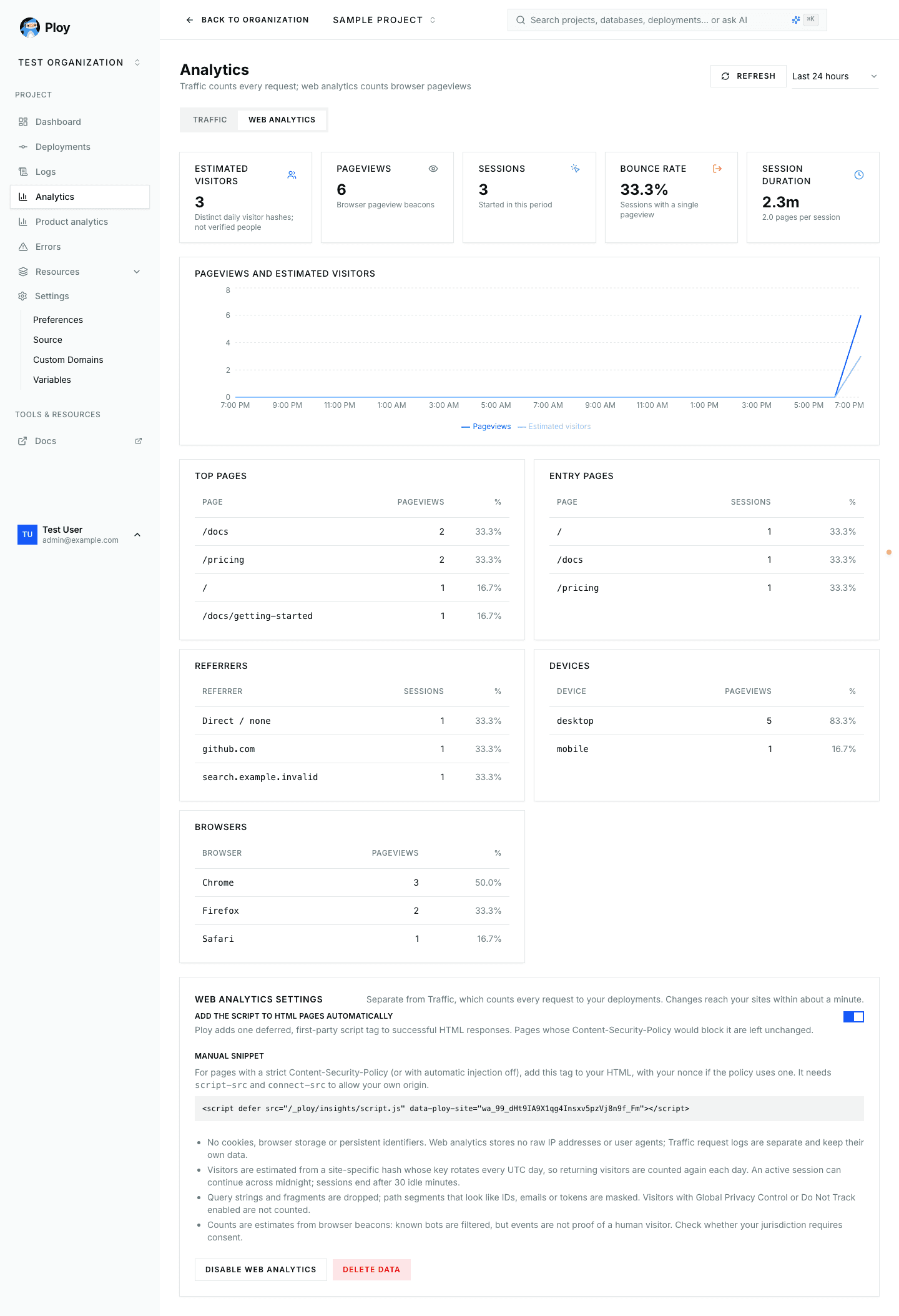
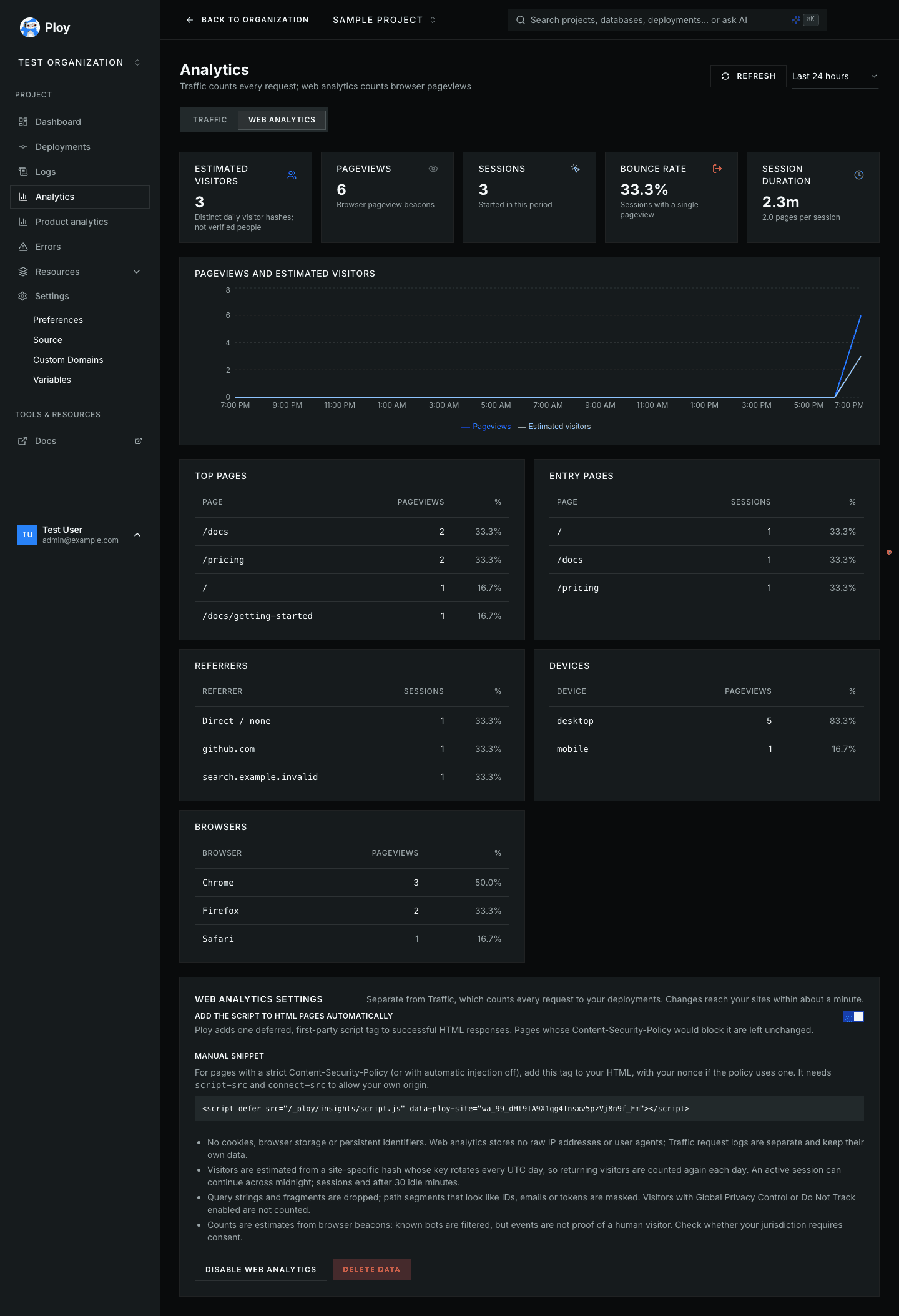
Breakdowns show top pages, entry pages, referring hosts, device types (desktop, mobile, tablet) and browser families.
The script counts a pageview when a page is first shown, on single-page-app navigations that change the path (pushState, replaceState and back/forward), and when a page is restored from the back/forward cache. Prerendered pages and tabs opened in the background count only once they become visible. Changes to only the query string or fragment are not counted.
Counts are estimates. Known bots and automated browsers are filtered, but a beacon is not proof that a human viewed the page, and visitors blocking the script are not counted.
Privacy
- Visitors are estimated from a hash of the IP address and user agent, keyed with a random salt per site that rotates every UTC day. Each salt is discarded shortly after midnight, so returning visitors are counted again each day and visitors are not linked across sites. A session that is active at midnight continues into the new day.
- Web analytics never stores raw IP addresses or user agents; it keeps the path, referring host, device type and browser family. Traffic request logs are separate and follow their own retention.
- Query strings and fragments are never collected. Path segments that look like IDs, email addresses or tokens are replaced, for example
/reset/:token. - Browsers with Global Privacy Control or Do Not Track enabled send nothing.
- Data follows your organization's current log retention: shortening it also hides and removes older web analytics data.
Whether you need consent for analytics depends on your jurisdiction and use; not using cookies does not by itself make collection consent-free.
Disabling and deleting data
Disable web analytics stops collection; stored data remains until it expires, and owners and admins can still delete it. Delete data disables web analytics, invalidates the existing tracking snippet and permanently deletes all stored pageviews and sessions for the project. It requires typing DELETE and does not affect Traffic.
Deleting web analytics data cannot be undone. After deleting, enabling web analytics again issues a new snippet, so update any manual snippets.
Self-hosted: reverse proxies
On Ploy Cloud this is already configured. When you self-host Ploy behind a reverse proxy, the edge handler sees the proxy's address instead of the visitor's, so every visitor behind it would count as one. Configure the handler (a server environment variable, not ploy.yaml):
# Source addresses of your reverse proxies, comma separated. Default: none.
WEB_ANALYTICS_TRUSTED_PROXY_CIDRS=192.0.2.10/32,2001:db8::/64- List only the exact addresses your proxies connect from. Private ranges and the whole internet are never trusted implicitly.
- Each trusted proxy must set
X-Real-IPto the single client address, overwriting any value sent by the client.X-Forwarded-Foris ignored. - Restrict the network so that only these proxies can reach the handler's public listener.
- Beacons from a trusted proxy with a missing or malformed
X-Real-IPare dropped, as are all beacons if the setting itself is malformed. - Without the setting, the handler uses the connecting address and ignores
X-Real-IP.
This setting only affects web analytics; Traffic and authentication are unchanged.
How is this guide?
Last updated on