
Sign up and free trial
Create a Ploy account, add a card, and start a 7-day free trial of Pro.
Sign up and free trial
Anyone can create a Ploy account. Every new account starts with a 7-day free trial of the Pro plan. Ploy asks for a card when you set up your account, but charges nothing until the trial ends. Beta testers with an invite code can skip the card.
Creating an account
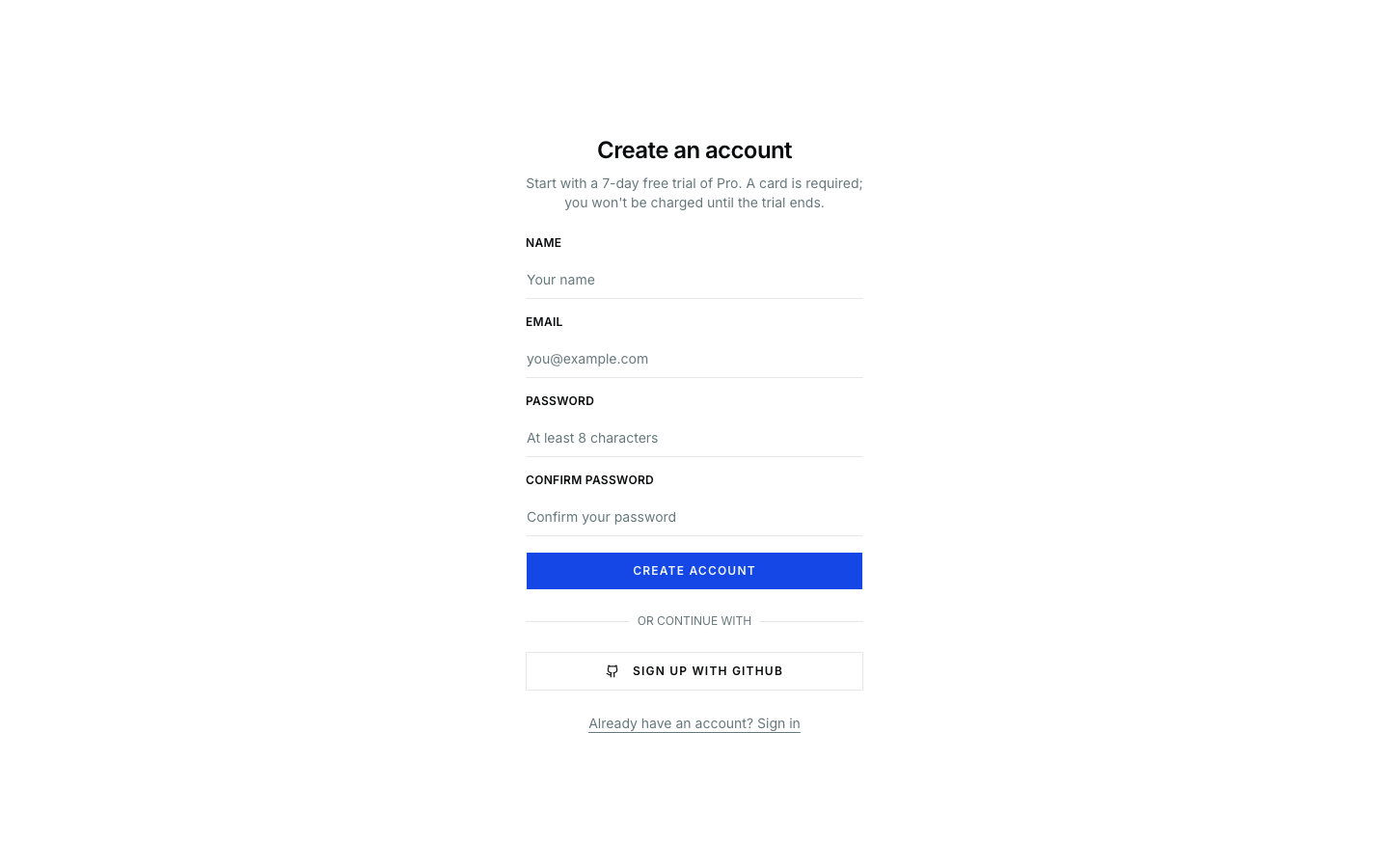
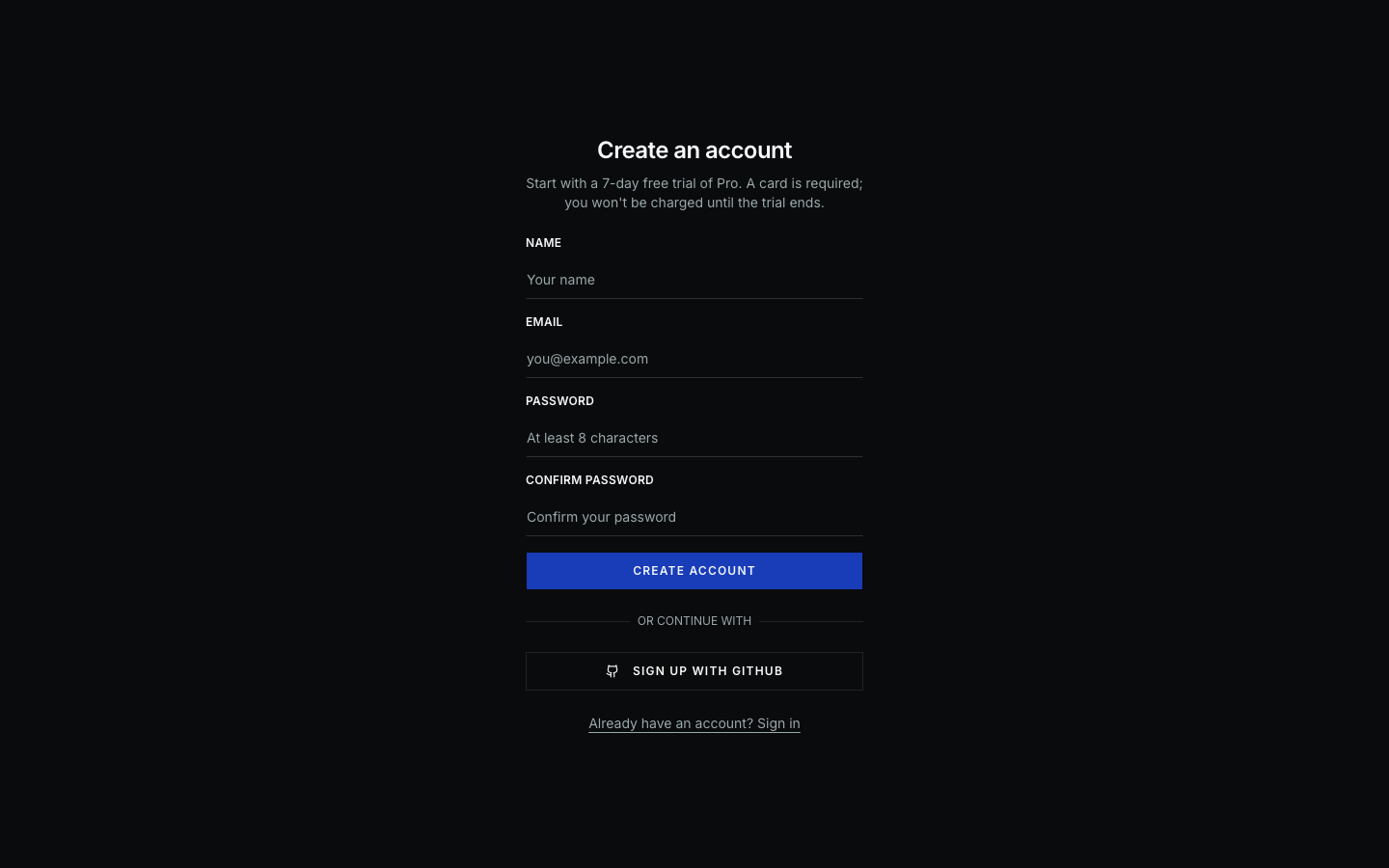
Open meetploy.com/signup and either:
- enter your Name, Email, and a Password of at least 8 characters, then click Create account, or
- click Sign up with GitHub.
Your account gets its own organization, named Default Organization, and you are its owner.
Starting the free trial
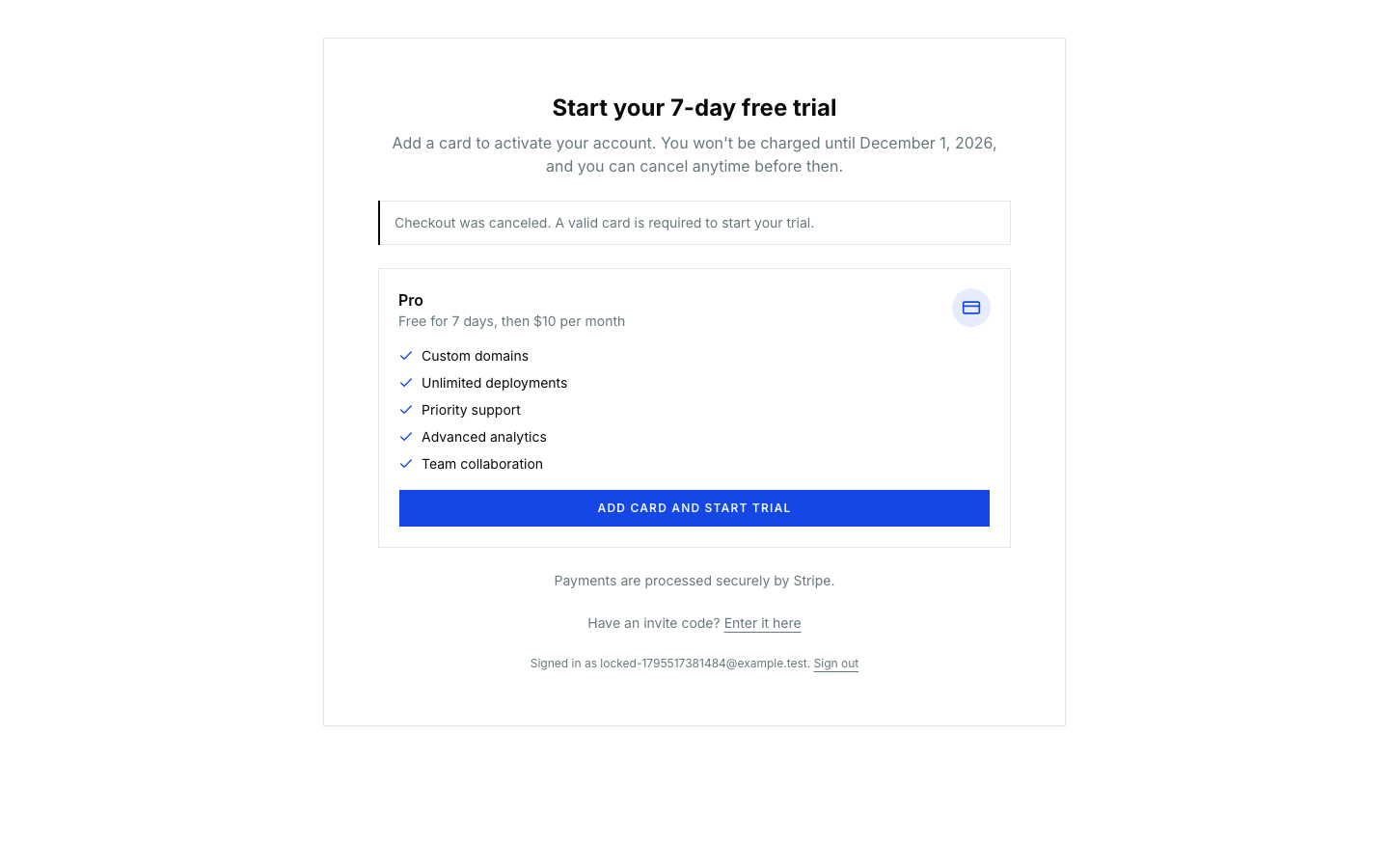
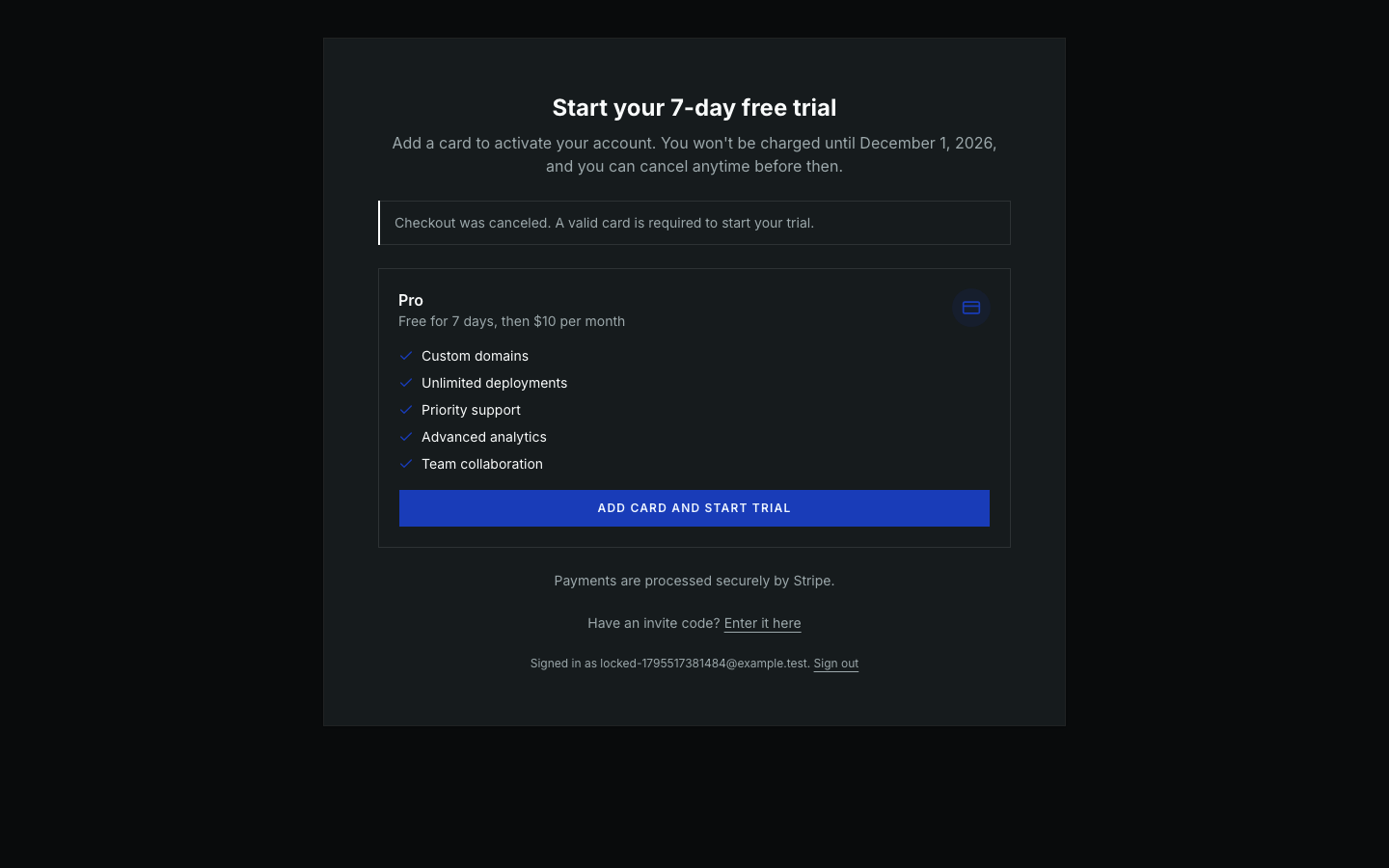
Onboarding opens on Start trial. It shows the Pro plan, the date your trial ends, and what it costs afterwards: $10 per month.
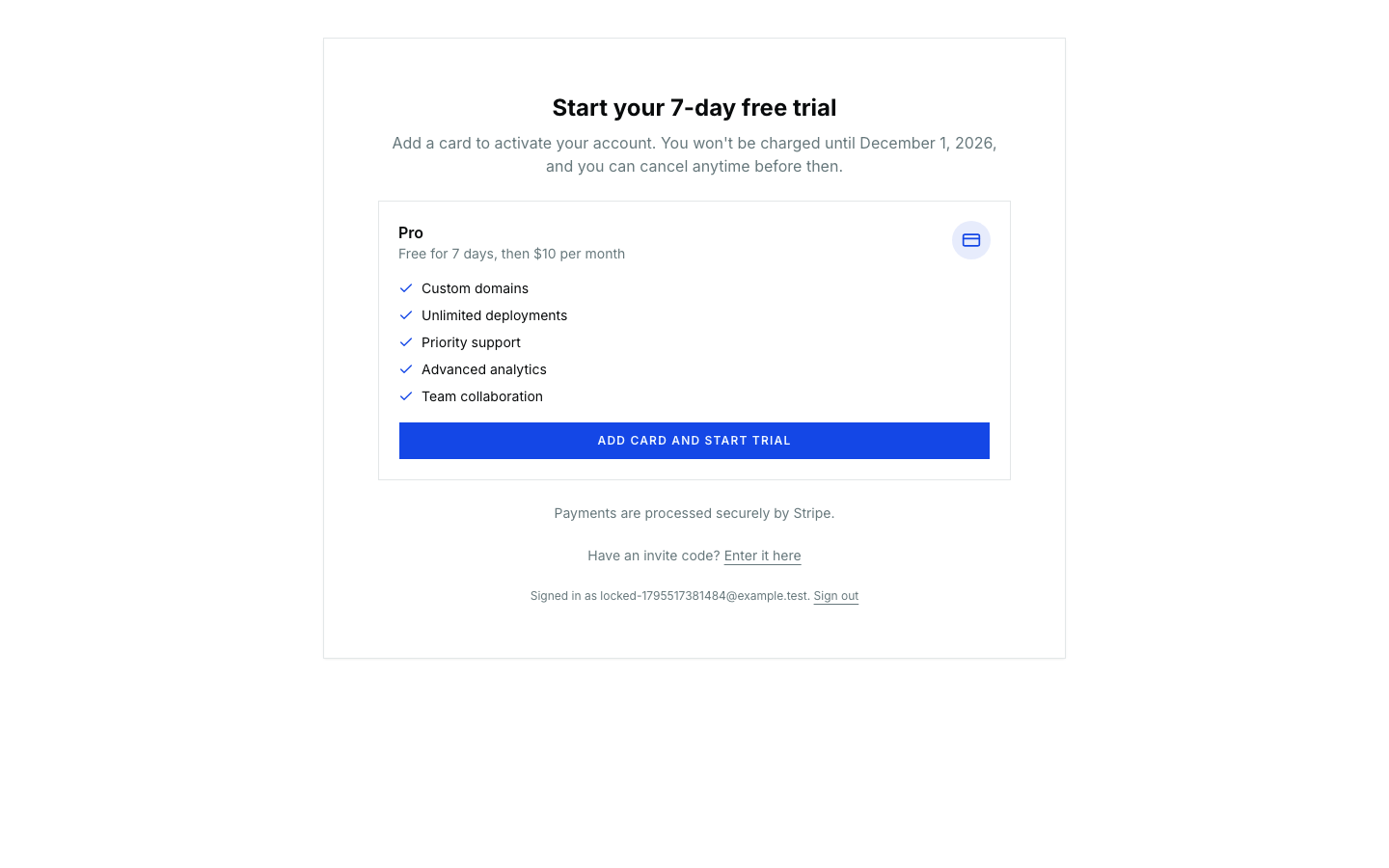
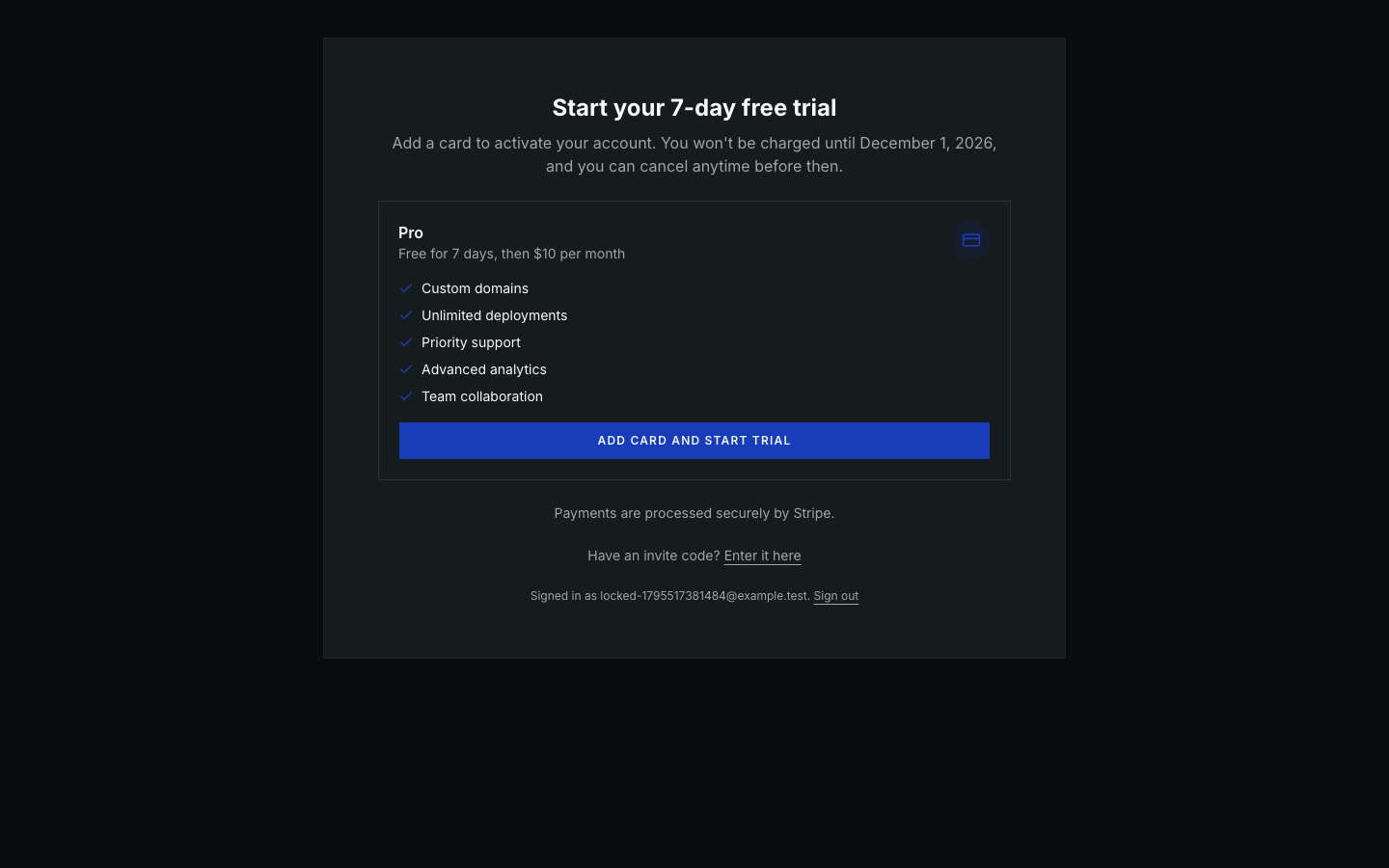
- Click Add card and start trial. Ploy opens a secure Stripe checkout page.
- Enter a valid card and confirm. Nothing is charged today.
- Stripe sends you back to onboarding, the trial starts, and your organization moves to the Pro plan.
Onboarding then continues with choosing a source, connecting GitHub, or creating a repository.
Until you add a card or redeem an invite code, the account cannot do anything else. The dashboard keeps you on Start trial, and the API and CLI answer every other request with 402 Payment Required. You can still sign out, accept an invitation to a team, or delete your account. If you close the checkout page, onboarding says so and stays on Start trial.
Using an invite code
Invite codes give beta access without a card. Each code works once. To get one, email contact@meetploy.com.
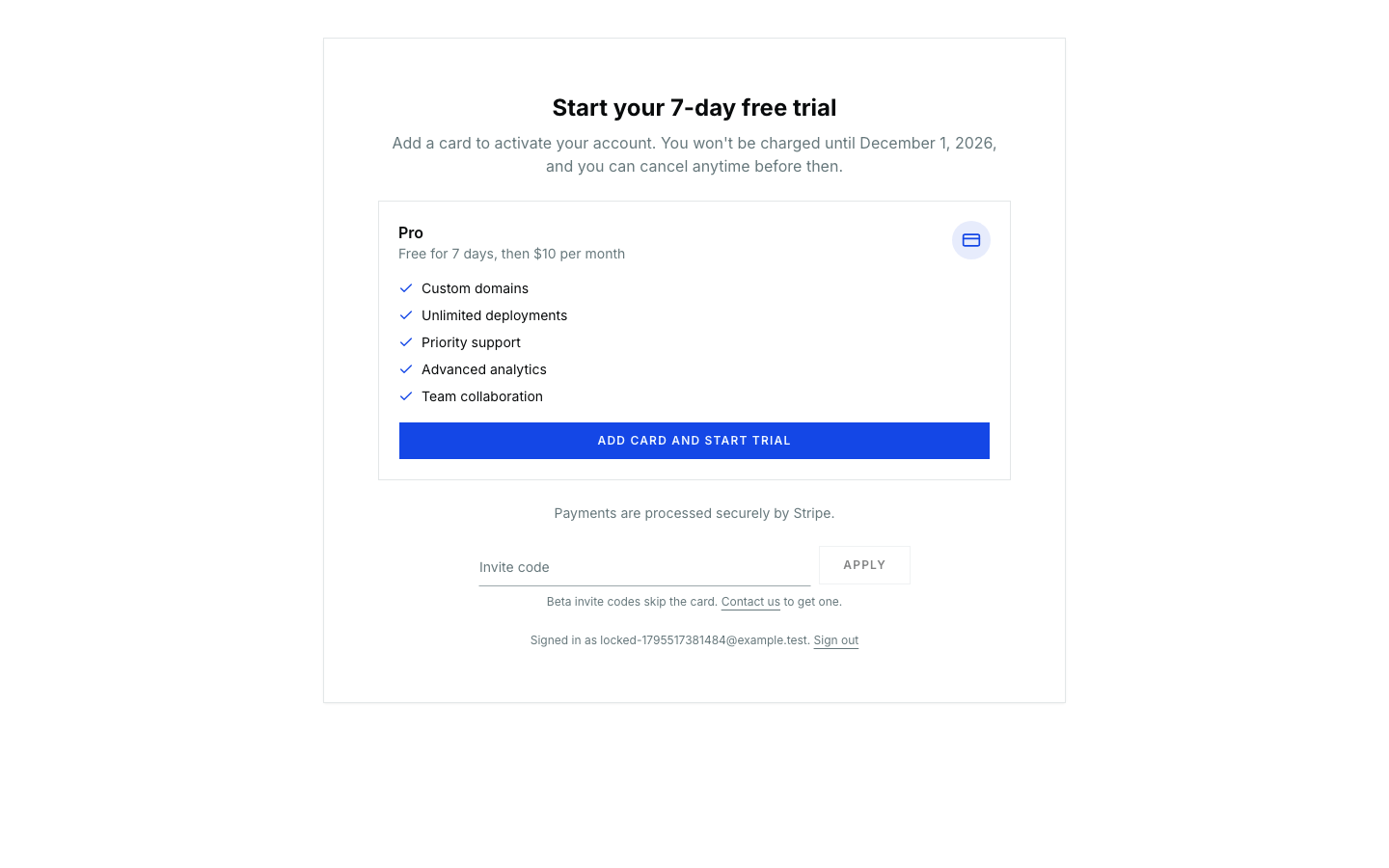
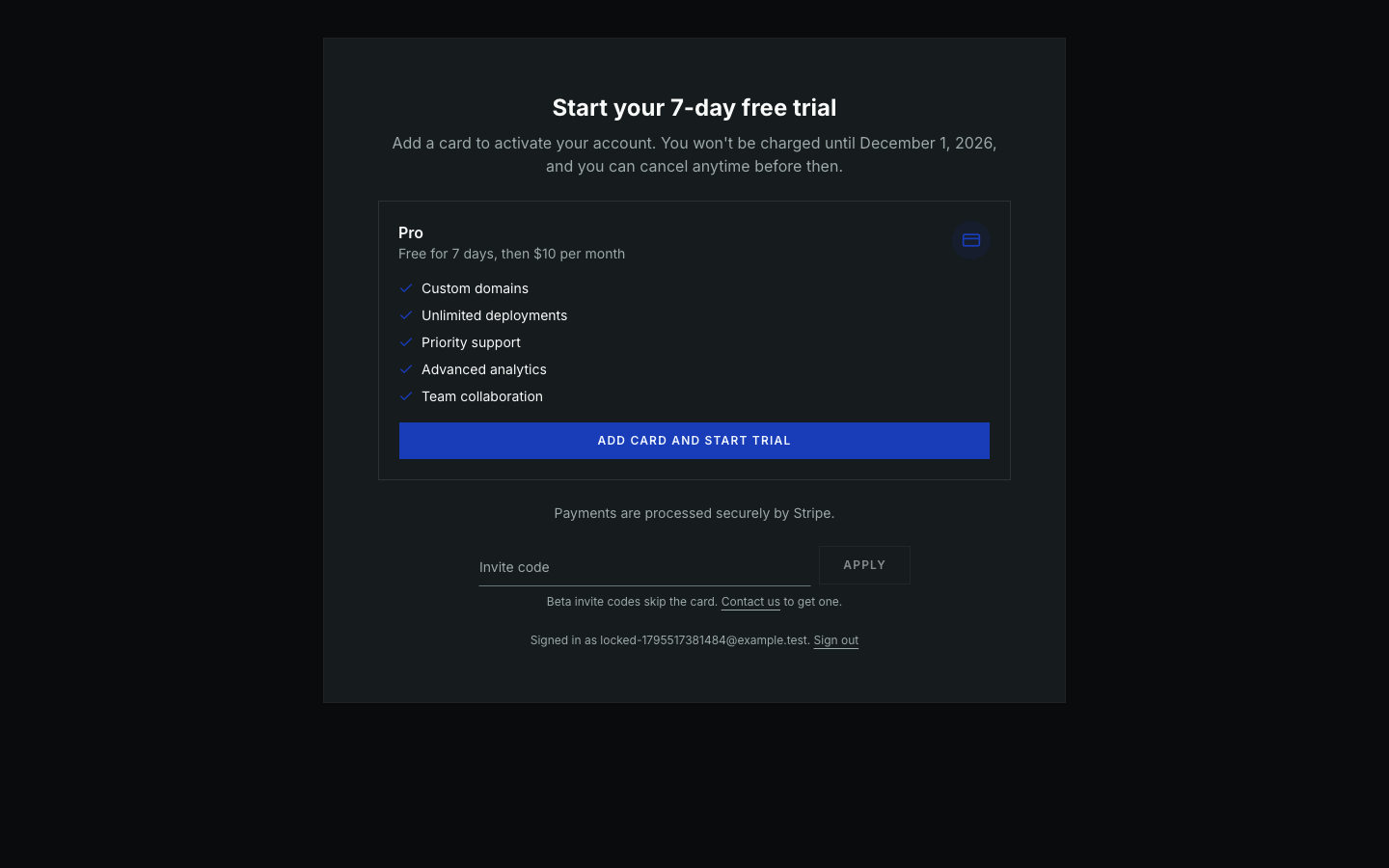
On the Start trial step, click Enter it here under Have an invite code?, enter the code, and click Apply. Onboarding continues with Welcome. Your organization is unlocked on the Free plan, and so are organizations you create later. You can still upgrade to Pro in Settings > Billing.
Joining a team does not need a card. When you accept an invitation to an existing organization, that organization's plan covers you and onboarding skips the trial step.
After the trial
Your card is charged $10 per month from the day the trial ends. To see when that is, open Settings > Billing in the dashboard. During the trial the Current Plan card reads Pro with the trial end date.
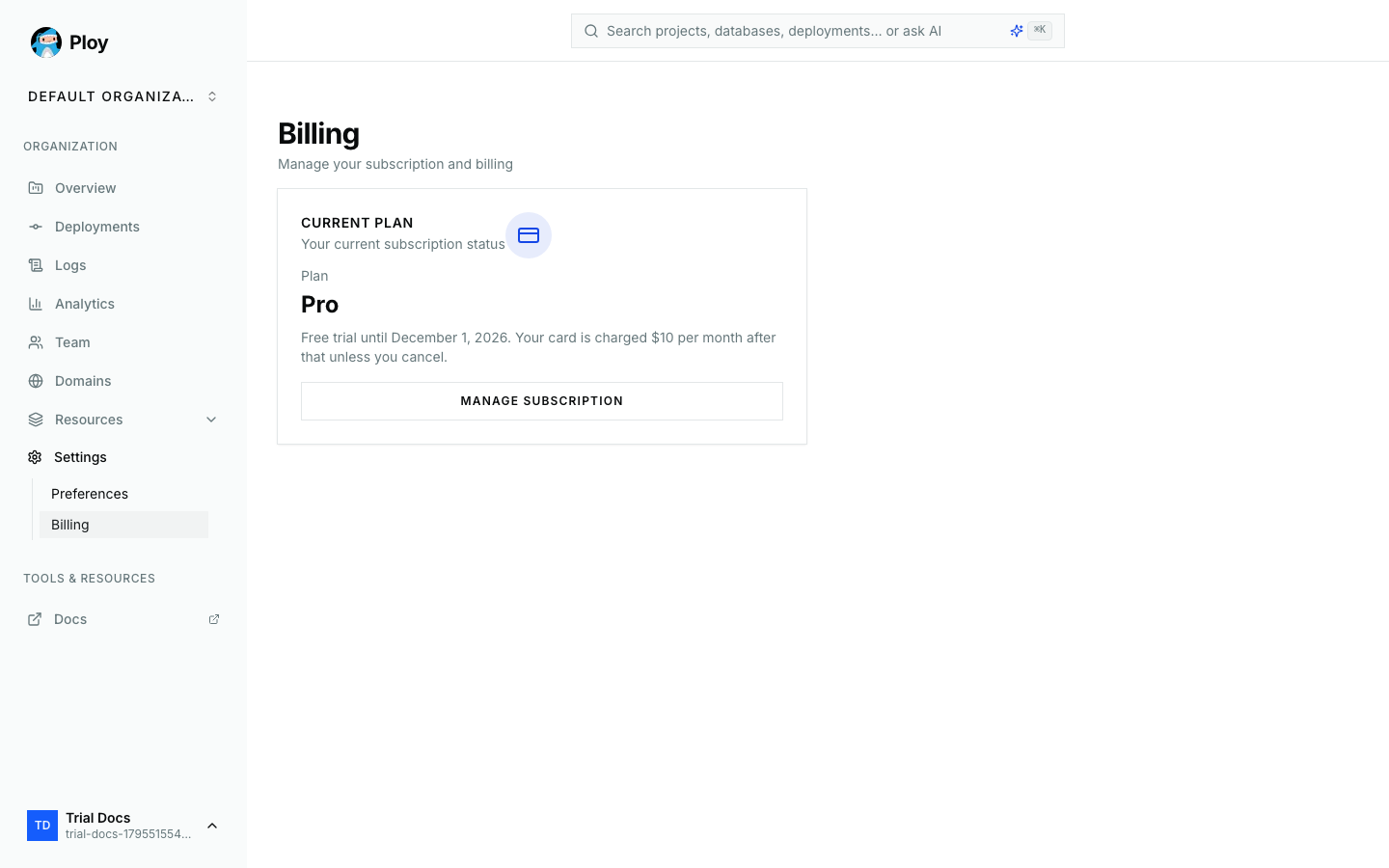
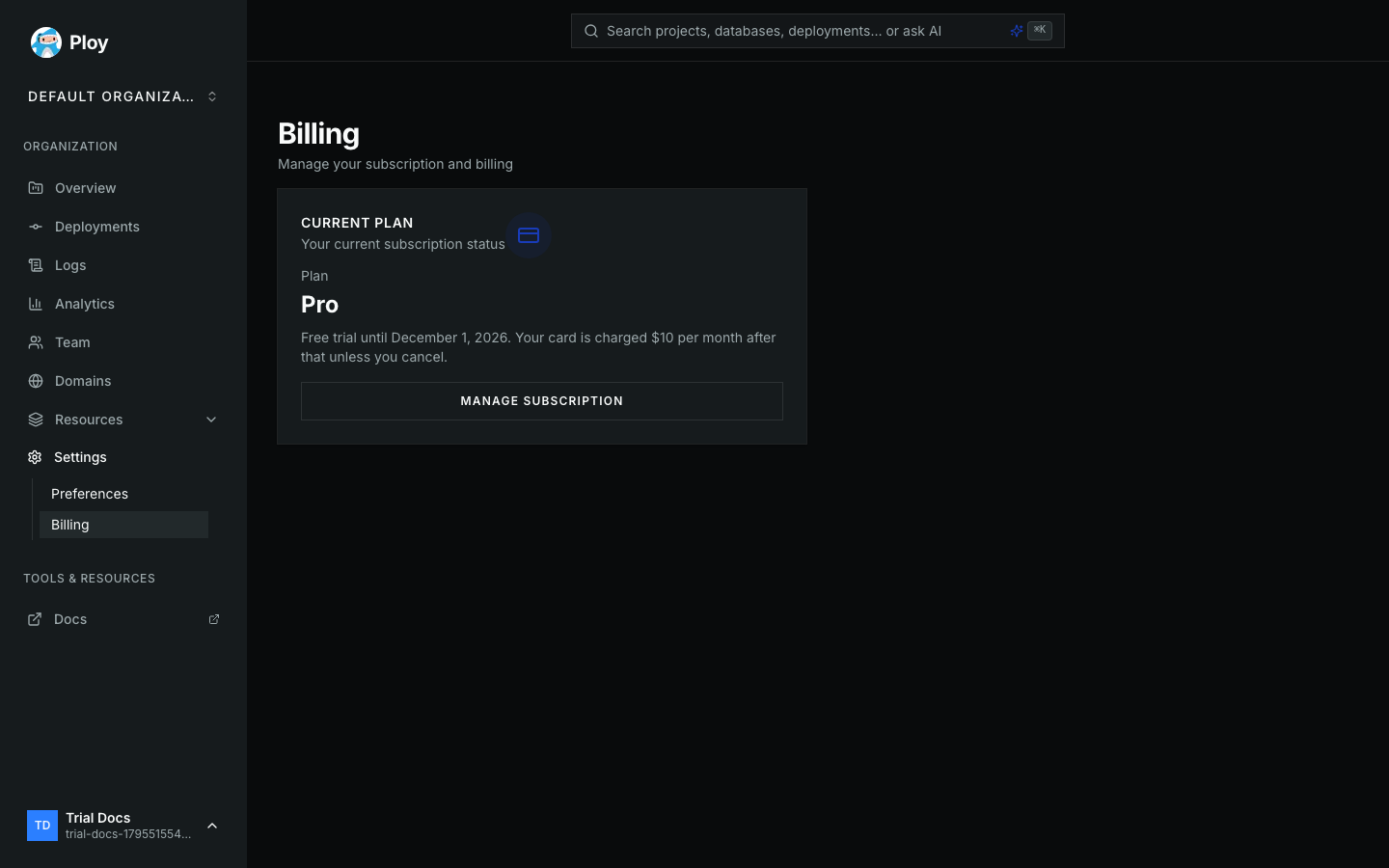
Click Manage Subscription to change your card or cancel. If you cancel before the trial ends, you are never charged. When a subscription ends, the organization goes back to the Free plan.
Each organization gets one free trial. Only organization owners and admins can start a subscription or open Manage Subscription.
Additional organizations
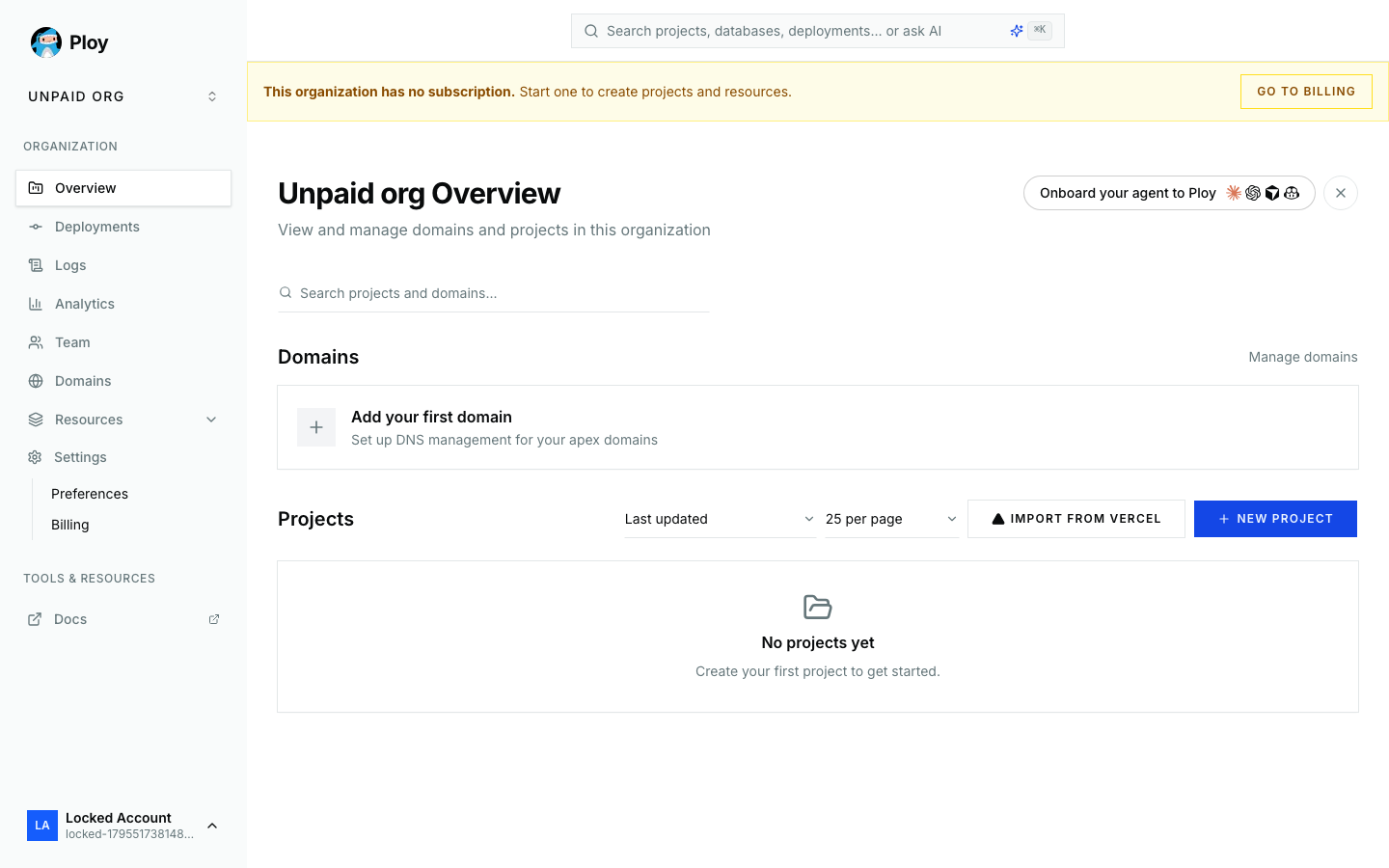
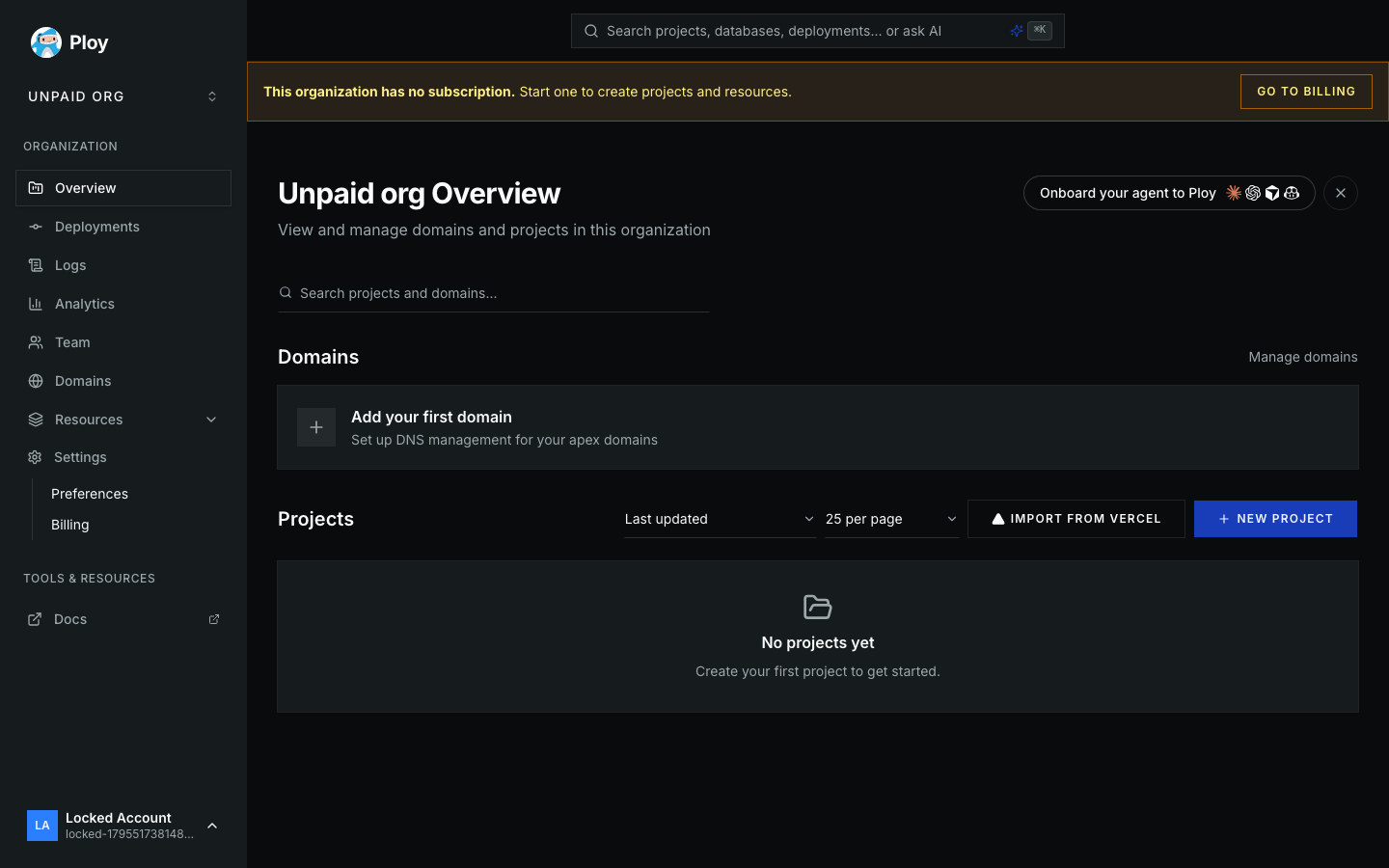
Every organization needs its own subscription. An organization you create later, for example while you are a member of someone else's team, shows a banner until you start one in Settings > Billing. Until then you can look around, but creating projects, databases, domains, or deployments in it fails with 402 Payment Required. Beta testers with a redeemed invite code don't need a subscription for organizations they create.
Self-hosted instances
A self-hosted Ploy instance has open sign-up and never asks for a card. To require one on your own instance, set SIGNUP_PAYMENT_REQUIRED=true on the API and dashboard, along with your Stripe keys. Organizations that already exist when you turn it on keep working.
| Variable | Description |
|---|---|
SIGNUP_PAYMENT_REQUIRED | true to require a card during onboarding |
STRIPE_SECRET_KEY | Stripe secret key |
STRIPE_PRO_MONTHLY_PRICE_ID | Stripe price of the Pro plan |
STRIPE_WEBHOOK_SECRET | Signing secret of a Stripe webhook pointed at <API_URL>/stripe/webhook |
Subscribe the webhook to checkout.session.completed and the customer.subscription.* events, so trials that end, payments that fail, and cancellations update the organization's plan.
How is this guide?
Last updated on
Introduction to Ploy
Ploy is an open-source, self-hostable serverless deployment platform. Deploy from GitHub or Ploy Git, run serverless workers with databases, queues, and durable workflows, and host it all on your own infrastructure.
Platform
How Ploy builds and deploys your projects — Git sources, preview deployments, ploy.yaml, environment variables, and the rules that decide what gets deployed.